SERP API Observability: The Metrics That Catch Failures Early
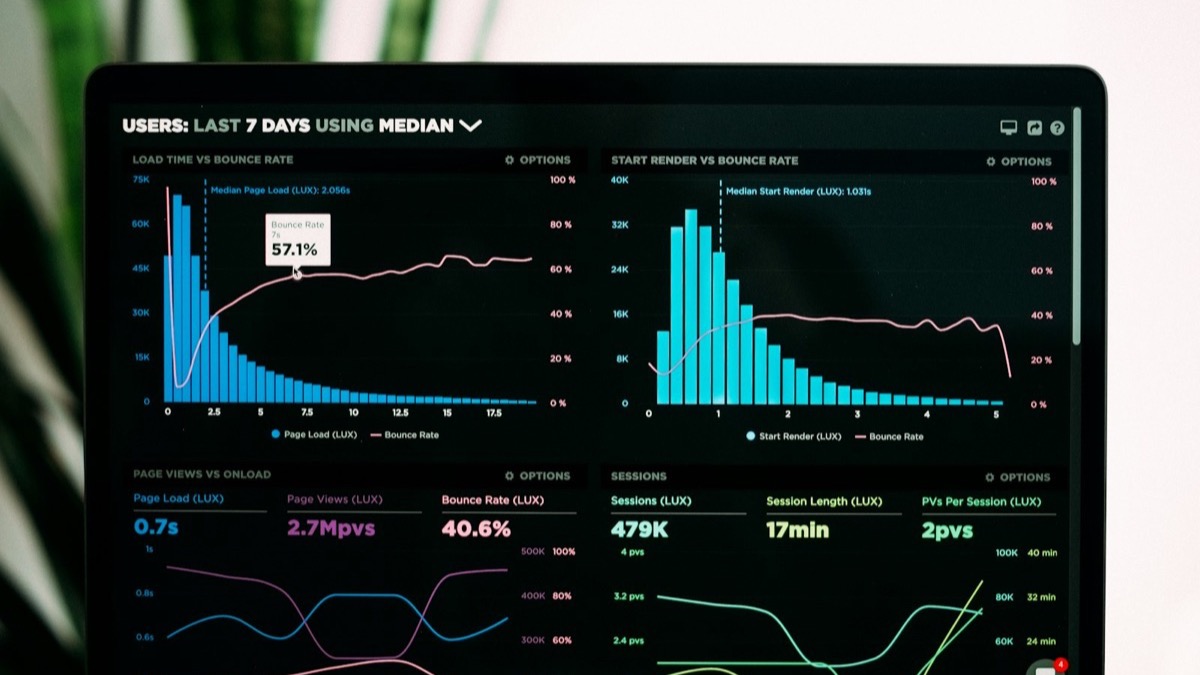
The cruelest SERP incident is the one where every dashboard is green. Uptime 100%, error rate 0%, latency nominal — and the data has been quietly wrong for a week, because a selector drifted and the pipeline has been faithfully recording emptiness as fact. Observability for SERP work is not "is it up?" It is "is the data still true?" This post is the small set of metrics that answers that, and how to alert on them before a customer does it for you.
When the Dashboard Is Green and the Data Is Wrong
Standard service monitoring assumes failures are loud: a 500, a timeout, a crash. SERP failures are mostly quiet. A silent empty result is an HTTP 200. A partial parse is an HTTP 200. A subtly different ranking after a provider migration is an HTTP 200. Transport metrics — the ones every default dashboard ships with — stay perfectly green through all of it. You have to measure the data, not just the pipe.
The Four Metrics That Actually Matter
Volume and error count are table stakes; they tell you something broke loudly. These four tell you the data is degrading quietly, which is the failure that actually costs you customers:
| Metric | What it catches | Why it's early |
|---|---|---|
| Result-shape health | % of responses passing a validity contract (fields present, count plausible, no block markers) | Drops the moment a selector or upstream changes — before anyone reads the data |
| Parse-gap rate | How often expected SERP sections (snippet, PAA, AIO) are missing | A section breaking is a step change here days before it's a ticket |
| Cache hit rate | Efficiency — and a behaviour-change tripwire | A sudden hit-rate move means query mix or keys shifted, often the first symptom |
| p95 / p99 latency | Tail slowness that precedes timeout cascades | The tail degrades before the average does |
Notice none of these is "error rate." Error rate is necessary and it is not on this list, because by the time a SERP problem shows up as an error, it has usually been corrupting data silently for a while. These four watch the data; error rate watches the plumbing — and it is only useful if you can split it by cause, which means your provider needs to hand you a stable classifier. Ours is a code token on every error response, never renamed and never repurposed, which is what a by-cause error panel should be keyed on rather than the message text.
Instrumenting Without a Platform
You do not need a tracing stack to get all four. You need a counter, a histogram, and the discipline to emit them on every call — including the ones that "succeeded."
function observe(query, res, startedAt) {
  metrics.histogram('serp.latency_ms', Date.now() - startedAt);
  metrics.increment(`serp.cache.${res.cacheOutcome}`);          // hit|stale|miss

  const verdict = validateShape(res.data, query);               // your contract
  metrics.increment(`serp.shape.${verdict.ok ? 'pass' : 'fail'}`);
  metrics.gauge('serp.result_count', res.data?.results?.length ?? 0,
                { tag: classifyIntent(query) });                // distribution, per intent
  for (const gap of verdict.gaps || [])                          // snippet|paa|aio…
    metrics.increment('serp.parse_gap', { tag: gap });
}
validateShape is the same contract from the error-handling post — observability and defensive parsing are the same assertion, emitted instead of only thrown. Write it against the fields your provider actually promises rather than the ones you happened to see last Tuesday; the documented response format is the list to assert on, including which fields are populated only when you ask for them. Tag result_count by query intent (the same intent buckets the cache post uses for TTLs) because an aggregate hides the segment that is failing.

SLOs on Data, Not Just Uptime
An availability SLO — "99.9% of requests return 200" — passes a pipeline that is up and returning nothing. That is precisely the failure that hurts, so set the SLO on the thing customers actually depend on:
// the SLO that means something for SERP data
SLO: 99.5% of responses pass the shape contract  (rolling 24h)
SLO: parse_gap_rate < 2% per section             (rolling 24h)
SLO: p95 latency < target                        (rolling 1h)

// burn alert: page when the 24h error budget is being spent
// 14x faster than sustainable — fast burn, not a single bad minute
Borrow the discipline straight from Google's SRE workbook on alerting on SLOs: alert on error-budget burn rate, not on instantaneous values. A single failed scrape is noise; spending a day's budget in an hour is an incident. This is the same persistence-over-noise logic the rank-drop alerting post applies to rankings, here applied to your own pipeline's health.
If your only SLO is uptime, you have promised your customers the pipeline will be running while it lies to them. SLO the data.
Alerting on the Shift, Not the Zero
Waiting for result-shape health to hit zero is waiting for the outage. The early signal is the shift: parse-gap rate stepping from 0.5% to 9%, median result count for commercial queries halving overnight. Alert on the change in distribution, not on a hard floor.
// step-change detector beats a static threshold for selector rot
const recent   = window('serp.parse_gap.snippet', '1h');
const baseline = window('serp.parse_gap.snippet', '7d');
if (recent.rate > baseline.rate * 4 && recent.n > MIN_SAMPLE)
  page('snippet parse-gap 4x baseline — selector likely drifted');
A static threshold is wrong twice: too low and it pages on normal variance, too high and a slow rot never trips it. Comparing a short window to a trailing baseline catches "something changed today" — which is exactly what a selector break, an anti-bot update, or a bad deploy looks like.
The Alert That Watches the Pipeline Exist
Every metric above assumes the pipeline is running enough to emit them. The failure that defeats all of them is the job that didn't run — a dead cron, a crashed worker, a paused scheduler. Silence reads as "all green." You need a dead man's switch: an alert that fires on the absence of healthy signal.
// invert the logic: page when expected work DIDN'T happen
if (now - lastSuccessfulBatchAt > EXPECTED_INTERVAL * 1.3)
  page('no successful SERP batch in 1.3x the expected window');
This is the single most-skipped alert in data pipelines and the one that turns "we lost a week of data and nobody knew" into "we got paged in 90 minutes." The alerting-system post makes the same argument for rank checks; it is universal — monitor that the monitor ran.
The One-Screen Dashboard
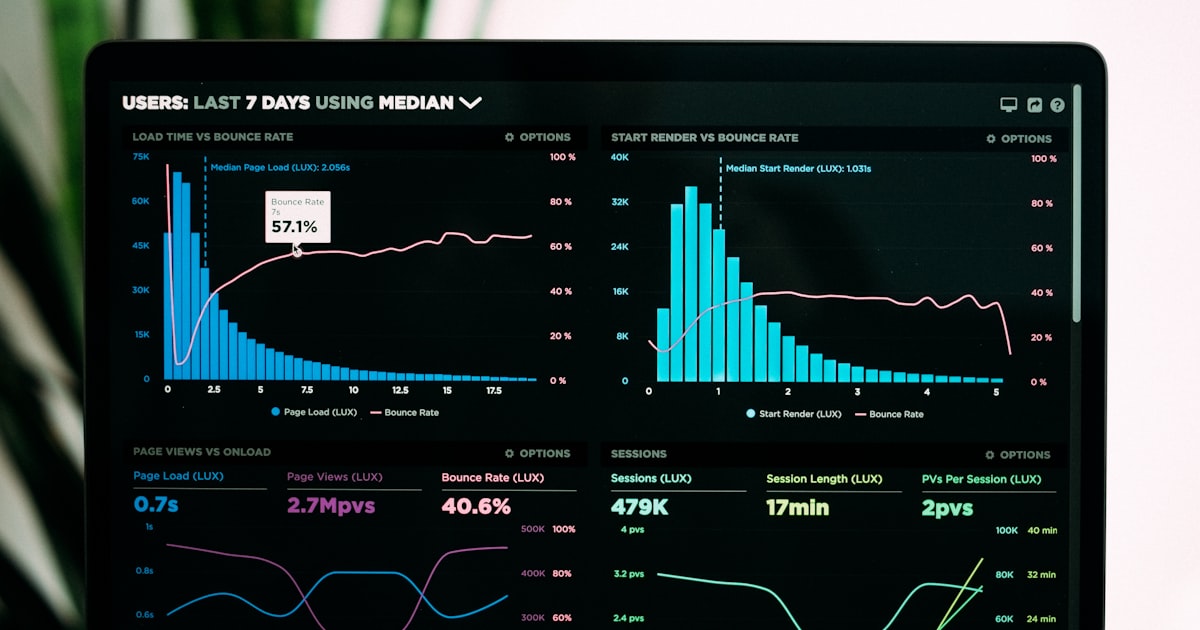
If the dashboard needs scrolling, nobody reads it during an incident. One screen, five panels, in priority order:
- Result-shape health — the headline. One number; if it moves, look at everything else.
- Parse-gap by section — which contract broke, so triage starts with a suspect, not a search.
- Cache hit rate — efficiency and the behaviour-change tripwire, with the saved-spend line next to it.
- p95 / p99 latency — the tail, because the tail fails first.
- Batch freshness — the dead-man's-switch clock. Green only means "ran and healthy."
That is the whole system: measure the data not the pipe, SLO the data, alert on the shift and on silence, fit it on one screen. A managed API doesn't delete this work — it shrinks what you watch by moving block-page and parser-rot metrics off your side, leaving you latency, errors, cache and your own shape contract — plus one non-technical gauge worth a panel, since a pipeline can also stop for want of credit: a single status call returns your balance, free allowance and tier. Build it on a flat per-call API and the cost panel on that dashboard becomes a multiplication instead of a mystery — the same predictability argument that runs through the scale and true-cost posts, now visible in a chart.
FAQ
What metrics should I track for a SERP API pipeline?
Four matter most: result-shape health (the share of responses that pass a validity contract), parse-gap rate (how often expected SERP sections are missing), cache hit rate (efficiency and a leading indicator of behaviour change), and p95/p99 latency. Raw request volume and error count are necessary but secondary — they tell you something broke, not that the data quietly went wrong.
Why isn't HTTP error rate enough to monitor SERP data?
Because the most damaging SERP failures return HTTP 200. A drifted selector, a soft block or a partial parse produces a successful-looking response with wrong or missing data. Error-rate dashboards stay green while the data corrupts, so you need data-quality metrics, not just transport metrics.
What is a good SLO for a SERP pipeline?
Set SLOs on data quality, not just uptime — for example, a target percentage of responses passing the shape contract and a ceiling on parse-gap rate, measured over a rolling window. An availability SLO alone passes a pipeline that is up but returning empty results, which is exactly the failure that hurts.
How do I detect a SERP parser breaking before customers notice?
Track parse-gap rate and result-count distribution per query type, and alert on a sudden shift, not just a hard zero. A selector breaking shows up as a step change in "snippet missing" or a collapse in median result count well before it becomes a support ticket — if you are watching the distribution rather than the average.
Does a managed SERP API remove the need for observability?
No, but it changes what you watch. It removes block-page and parser-rot metrics from your side and lets you focus on the few that still matter to you: latency, error rate, cache hit rate and your own result-shape validation. You observe less surface, but you still observe — the data feeding your product is still your responsibility.