Where Did That Image Come From? An Image Search API Source Audit
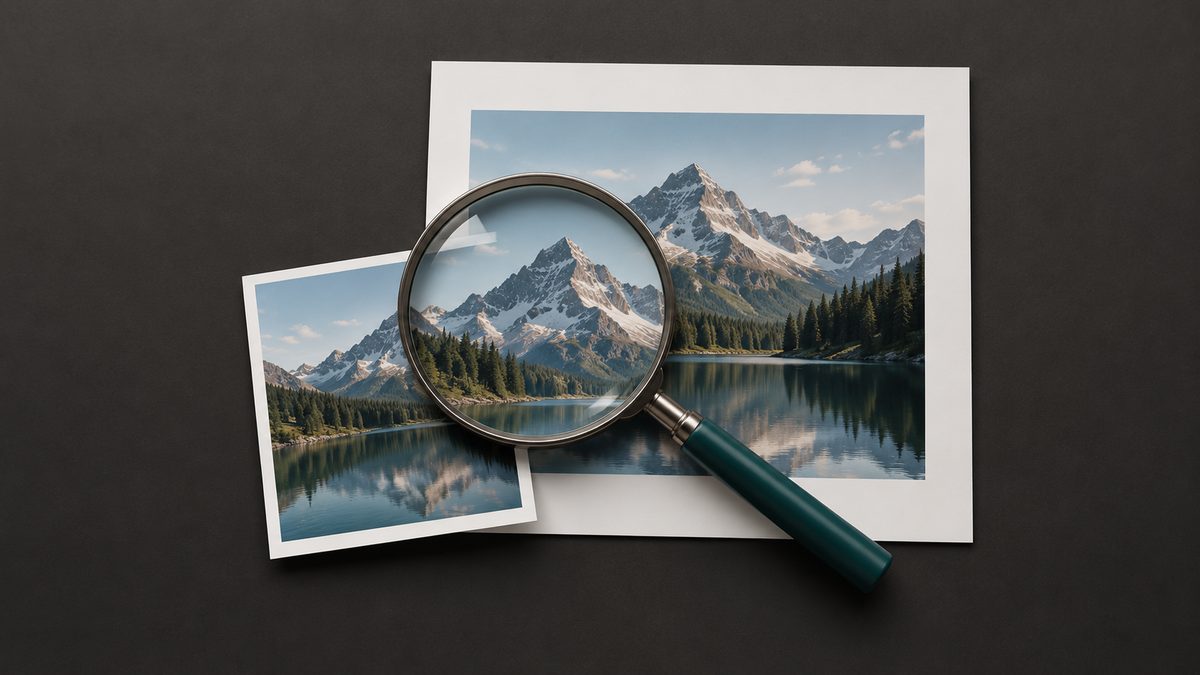
For an image search API result, start with pageUrl when you need to know where the image appears. Keep original for the image file and thumbnail for the preview. Then open the page and check that it actually displays the same image. A search result gives you a lead, not a verified publisher or permission to reuse the work.
If you are building a photo research desk or checking where a brand image appears, that distinction saves you from attributing a CDN file to the wrong site. I reviewed the Serpent image field documentation and Google's official image search references on October 6, 2026. This is a documentation review, not a hands-on production API test. The example below is fictional and shows how you can build your own audit.
What does an image search result actually identify?
Ask for format=full if you need source context. Serpent documents eight keys for each results.images[] row. Every key is present, but all except position may hold null. The simpler output drops the page context you need for this task. The Image Search API overview introduces the product; the API reference defines the response.
| Field | Useful for | Do not infer |
|---|---|---|
thumbnail | Recognizing the preview returned with the result. | That it is the full image or a licensed copy. |
original | Comparing the full-size file with the image on a page. | That the file host published the surrounding story. |
pageUrl | Opening the page where the image was found. | That its owner created the image or grants rights. |
source | Grouping by a host hint. | A verified publisher, photographer or rights holder. |
width / height | Prioritizing images with reported dimensions. | That the file is still available at that size. |
The source value can come from an image file host when a page URL is unavailable. Even when it resembles a news domain, treat it as a location hint until you inspect the page. Google documents a similar separation in its Custom Search response: image.contextLink identifies a hosting webpage. Neither response format verifies who made the image.

Build a source-page queue without inventing missing evidence
This Python example makes one /api/images request, checks the parsed full-format response, and separates usable page URLs from unresolved rows. Install requests with python -m pip install requests, then set SERPENT_API_KEY in your environment. The code is illustrative; I have not run it against an authenticated production response for this article.
import json, os
from urllib.parse import urlsplit
import requests

response = requests.get(
    "https://apiserpent.com/api/images",
    params={"q": "riverbank cycle lane", "engine": "google",
            "country": "us", "num": 20, "format": "full"},
    headers={"X-API-Key": os.environ["SERPENT_API_KEY"]}, timeout=60)
response.raise_for_status()
data = response.json()
if data.get("success") is not True:
    raise ValueError("The image request did not succeed")
results = data.get("results")
rows = results.get("images") if isinstance(results, dict) else None
if not isinstance(rows, list):
    raise ValueError("Expected a full-format images list")

page_review, unresolved = [], []
for row in rows:
    if not isinstance(row, dict):
        continue
    page = row.get("pageUrl")
    parsed = urlsplit(page) if isinstance(page, str) else None
    record = {"rank": row.get("position"), "title": row.get("title"),
              "page_url": page, "image_url": row.get("original"),
              "thumbnail_url": row.get("thumbnail"), "host_hint": row.get("source"),
              "source_status": "unreviewed"}
    if parsed and parsed.scheme in ("http", "https") and parsed.hostname:
        page_review.append(record)
    else:
        record["source_status"] = "missing_page"
        unresolved.append(record)

print(json.dumps({"page_review": page_review,
                  "unresolved": unresolved,
                  "returned_rows": len(rows), "requested_ceiling": 20,
                  "delivery": data.get("delivery"),
                  "partial_results": data.get("meta", {}).get("partialResults")
                  if isinstance(data.get("meta"), dict) else None}, indent=2))
num=20 is a request ceiling, not a promise of 20 rows. Review returned_rows and any delivery information along with the actual page and image matches. A successful HTTP response alone cannot establish that useful image results arrived. Save the original response securely if your audit needs a repeatable record. Never turn a missing pageUrl into a made-up page by copying original.
A worked example: a city cycling story
Imagine your newsroom is preparing a local story about a new riverbank cycle lane. A fictional image result has thumbnail=https://preview.example/lane-small.jpg, original=https://cdn.example/lane-2048.jpg, pageUrl=https://civic-journal.example/riverbank-lane, and source=civic-journal.example. These example domains and the result are invented for this guide.
- Open the page, record its final URL after any redirect, and compare the visible image with both the preview and the file. A similar subject is not enough: look at the lane markings, people, crop and caption.
- Record what the page actually says: its headline, byline or organization, caption, publication date if shown, and your review date. If it embeds a photograph credited to a separate photographer, record that distinction.
- If the page now shows a different picture, mark the result mismatch. If it is unavailable or the photo has vanished, mark it unresolved. Only mark the displaying page as confirmed when the same image is visible there.
In this fictional case, suppose the page displays the same photograph but credits an independent photographer. You can say you confirmed where the photo appeared; you cannot say the journal owns it. Send the asset to the separate image rights review before any reuse.
What should each reviewer save?
| Queue field | Why it matters |
|---|---|
| Query, engine, country, request time and rank | Shows which search and result led to the candidate. |
| Returned thumbnail, original, page URL and source hint | Preserves the distinct destinations the API returned. |
| Final page URL, page title, caption or credit, review date | Records what a person actually found after opening the page. |
| Image-match decision and reviewer | Makes confirmed, mismatch and unresolved outcomes auditable. |
| Rights status in a separate column | Prevents a confirmed source page from being read as publication approval. |
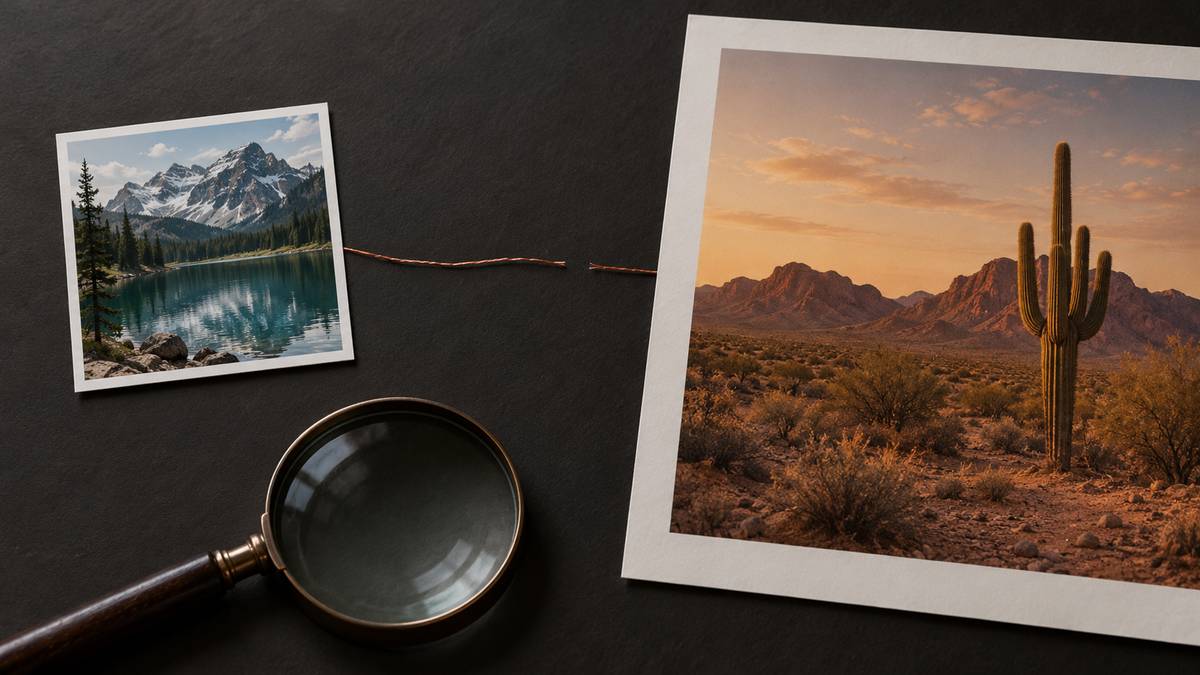
Deduplicate by the page-and-image pair, not by file URL alone. One file may appear on several pages, while one article can display several different images. Keep the raw URL and the final destination; redirects can otherwise hide how you found the item.
How much will the search portion cost?
At the published Default Images rate of $0.35 per 1,000 calls, three one-page searches daily for 30 days means 3 × 30 = 90 calls, and 90 × $0.35 ÷ 1,000 = $0.0315 in listed usage. That is request arithmetic, not measured invoice or usable-image yield. Review time and storage are separate costs. Google's Custom Search JSON API overview says the service is closed to new customers and gives existing customers until January 1, 2027 to transition; check your eligibility before building on it.
Acceptance test for your own source audit
Choose a small labeled set of pages whose images you can inspect yourself, including a valid match, a redirect, a changed image and a missing page. Run the same query and country you expect to use, then count parsed rows, valid page URLs, confirmed visual matches, mismatches and unresolved cases. Repeat for each engine you intend to support. Do not count a blank or blocked response as coverage, and do not treat a result absent from one search as proof the image is absent from the web.
Set your own acceptance threshold before launch: for example, your team might require that every image published in a source report has a saved matching page and reviewer date. If the queue cannot meet that threshold, keep the result as a research lead. The developer guide covers broader image retrieval; this workflow addresses attribution to a displaying page.
Put page context beside every image
Use a full image result to collect the lead, then verify the displaying page before you make a source claim.
Get an API keyFAQ
Is original the same as pageUrl?
No. original is an image file URL; pageUrl is the webpage where the result says the image appears. thumbnail is a preview. Any of these values may be null.
Does a confirmed source page identify the image owner?
No. It confirms a displaying location if you checked the image there. The page may embed or syndicate someone else's work, so ownership and permission need separate evidence.
What if pageUrl is missing or stale?
Keep the result unresolved or find independent page evidence. Do not replace the missing page with the image file URL.
Does num=20 guarantee 20 source pages?
No. It is a request ceiling. Inspect the parsed rows and any short-delivery information, then measure how many pages you actually confirmed.